
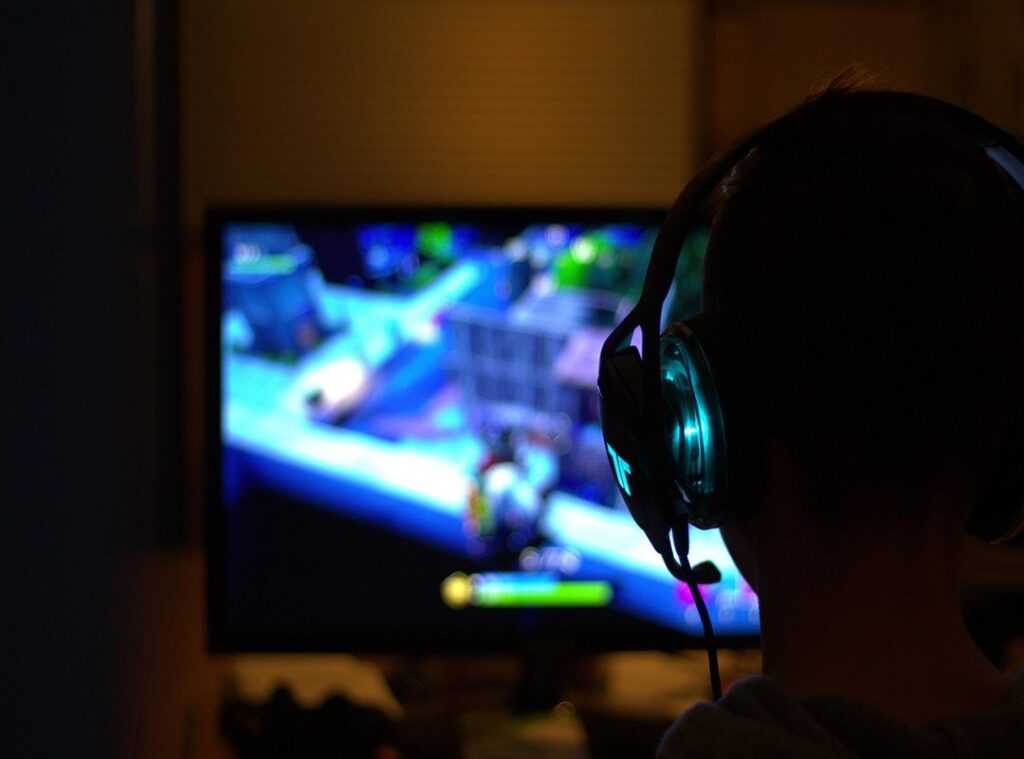
Getting a great gaming experience on a budget is tough. I’ve been there. You want to enjoy high performance without spending a fortune.
So how do you pull it off?
You need practical strategies and takeaways into building an affordable yet solid budget gaming setup.
I know the ins and outs of gaming setup optimization, and I’ve spent years figuring out what works and what doesn’t.
You might feel overwhelmed by choices and technical jargon, but I promise to break it down into simple steps.
This article is all about finding cost-effective solutions for gaming enthusiasts like you.
I’ll guide you through the key components you need, how to shop smart, and what to avoid.
By the end, you’ll have a clear path to creating your ideal gaming rig without breaking the bank.
Trust me, I wouldn’t lead you astray. Let’s dive into making your gaming dreams a reality.
Important Gaming Gear: Dial it In
Let’s talk about what really makes or breaks a gaming setup. I’m straight to it: your CPU, GPU, RAM, and storage. These are your heavy hitters.
Without them, you’re not gaming, you’re waiting (nobody’s got time for that).
First off, the CPU is your brainpower. It handles game logic and AI. A solid processor like an AMD Ryzen 5 won’t empty your pockets.
Then there’s your GPU, which paints the picture. Invest in something like an NVIDIA GTX 1660 for clean visuals without sacrificing that budget gaming setup goal. RAM acts like your short-term memory.
Eight gigs should do the trick for most games, but 16 GB is your sweet spot if you’re multitasking.
When it comes to storage, speed trumps size. Grab an SSD for quick load times. Seriously, watch those loading screens shrink like magic.
Balancing cost with performance isn’t just smart, it’s necessary. Want a tip? Hunt for deals at hardware sales or consider pre-owned parts.
And hey, monitor settings gamers often miss matter too. Don’t neglect them. Dive into those settings and you’ll see your rig perform like never before.
Get the basics right and you’ll have a gaming setup that’s all set to blow minds.
Level Up Your Game: Gear That Matters
When diving into a budget gaming setup, peripherals aren’t just extras; they’re game-changers. Picture this: You’re on the brink of victory, but your cheap mouse misfires. Agony.
So, what should we prioritize? Start with monitors. A good refresh rate makes all the difference.
For competitive play, anything below 120Hz feels like a handicap.
Look at brands like Logitech or Corsair. They offer durability without breaking the bank. Mice are personal.
Keyboards? Mechanical switches reign supreme. They might feel like overkill, but trust me, they’re worth it for the tactile feedback alone.
Some like them light and fast, others want weight. Razer and SteelSeries have reliable options for both camps.
Headsets can be tricky. You don’t need a $300 headset to feel immersed. Look for comfort and sound quality.
HyperX and Logitech bring high-quality sound at a low price. But let’s be real, the whole setup matters. Your budget might be tight, but smart choices lead to high performance.
Curious about putting it all together? Check out this budget gaming pc build. It’s a solid guide for balancing cost and performance.
Remember, quality gear gives you the edge.
Maximize Your Setup: Performance on a Budget
Getting the most out of a budget gaming setup can feel like mission impossible. But we know this: you don’t need to break the bank for solid performance. I’ve spent countless hours tinkering with my rig, squeezing every bit of power out of it.
Overclocking is your friend here. It sounds intense, but boosting your CPU or GPU speed can give you extra frames per second (FPS) without costing a dime. Just keep an eye on temperatures (nobody wants a fried graphics card).
Speaking of temp control, good cooling is key. Stock coolers won’t cut it if you’ve overclocked. Investing in a better cooler is worth it.
Even a budget-friendly aftermarket cooler can mean the difference between a gaming session and a smoking disaster.
Let’s not forget software optimization. It’s amazing how many FPS are hiding in plain sight. Adjusting in-game settings can work wonders.
Turn down shadows and you might even notice a smoother experience. Sometimes, less is more.
Troubleshooting is another beast. Your setup isn’t top of the line, so expect hiccups. Is your game stuttering?
Check your drivers. Update them regularly, because outdated drivers are often culprits in performance issues.
Pro tip: keep your system clean. Dust is the silent killer of performance, clogging fans and trapping heat. A quick clean can cool your system and boost performance.
You’ve got options. You don’t need a top-tier budget to game like a pro. You just need to be smart about where you spend and how you tweak.
Building Your Gaming Setup: Step-by-Step
Setting up a budget gaming setup isn’t as daunting as you think. First, gather your tools. You’ll need a screwdriver, cable ties, and a grounding strap (safety first, folks).
Got them? Great. Start with the desk.
It should be the right height for gaming. If not, you’re just asking for back pain. Next, the monitor.
Position it at eye level. Your neck will thank you later. Now, the heart of the setup: your PC.
Handle it carefully. Static electricity is your enemy here. Use that grounding strap.
Don’t skimp on cable management. It may seem trivial, but it keeps your space tidy and improves airflow. Pro tip: Use Velcro ties.
They’re reusable and don’t damage cables.
For the chair, comfort is key. You don’t want to end up with a sore back after a long session. If you’re unsure, this guide can help you choose wisely.
Need more guidance? Video tutorials can be a lifesaver. They show you exactly how it’s done.
Visual learners, rejoice. With these steps, you’re well on your way to a killer gaming setup. Safe and sound.
Ready to conquer your next game? I bet you are.
Gaming Setup: Future-Proof Your Rig
We all know the agony of a sluggish gaming rig. When your once-mighty setup struggles with new games, it’s time to think ahead. Scalability isn’t just a fancy term; it’s the backbone of a lasting gaming system.
Why sink all your cash into a setup that’ll be obsolete in a year?
Let’s talk about upgrade paths. You need components that won’t choke on future upgrades. Think about a solid PSU.
Sure, it costs more upfront, but it allows room for a beefier GPU down the line. And don’t even get me started on RAM. More is always better, and future-proofing means having extra slots.
Consider this: a strategic GPU upgrade can extend your system’s life by years. You don’t need the latest model (last) year’s top card can often be a steal. And hey, a budget gaming setup doesn’t mean cheap.
It means smart.
Pro tip: Invest in a solid motherboard. It’s the unsung hero that supports your CPU and RAM upgrades. Without a good one, your dreams of an upgraded rig might crash and burn.
Keeping your setup relevant doesn’t have to break the bank. Just plan for tomorrow, today.
Get Ready for Your Gaming Adventure
Achieving a solid budget gaming setup is within your reach. I’ve seen it done and I know you can do it too.
It’s all about smart choices and understanding your gear. Remember to keep your system clean and updated to extend its life.
Don’t hesitate to share your own tips and experiences. The gaming community thrives on collaboration.
Want to dive deeper? Explore more resources on gaming optimization. There’s always something new to learn.
Your gaming setup should work for you, not the other way around. If you’re feeling overwhelmed, just take it one step at a time.
Ready to level up? Start making those changes today.
Your gaming journey is just beginning. Don’t let budget constraints hold you back. Call now if you need help and let’s make your gaming dreams a reality!
 Lorven Selmorne founded Zhimbom to transform the way players engage with the gaming world, moving beyond the surface to explore the technical heart of the industry. By dissecting core design mechanics, competitive esports tactics, and hardware optimization, the platform provides a comprehensive roadmap for mastering both play and performance. At its core, Zhimbom is a commitment to the gaming community to provide professional-grade insights that empower every enthusiast to understand and excel in the games they love.